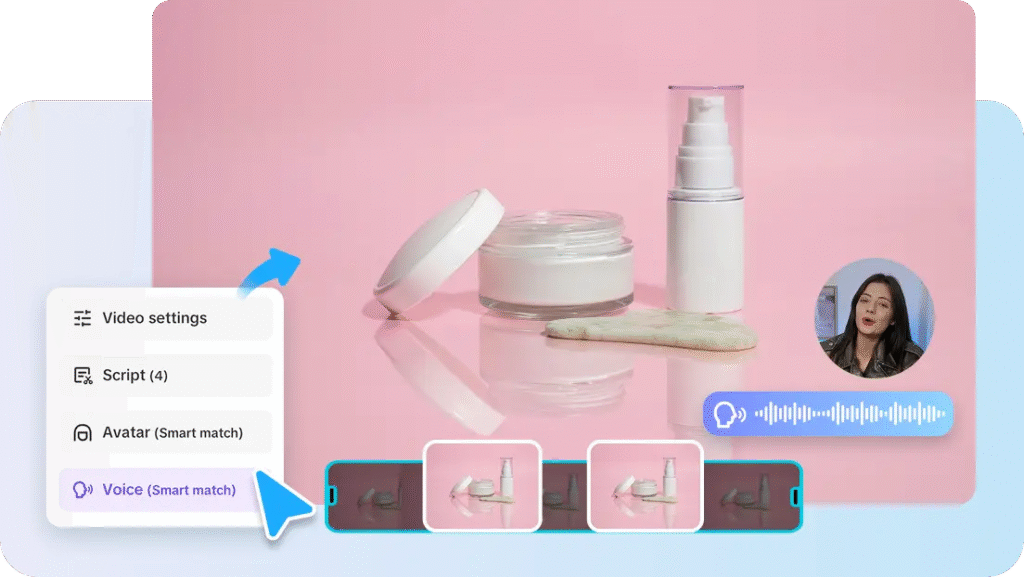
Scroll through any feed today, and it’s all airbrushed perfection—flawless skin, spotless kitchens, wrinkle-free everything. Instagram is aspirational, but often far from authentic.
That’s where your brand can stand out. In 2025, trust is currency. People want reality. They want to see texture, not just a polish job. And that’s exactly what Pippit delivers.
Pippit is your go-to image enhancer with an honesty filter—just enough cleanup (think brighter shadows, sharper detail, fewer crumbs) without erasing the reality. Whether it’s lifestyle shots or product close-ups, Pippit helps you look good and stay grounded.
Bonus: If you’re mixing photos and motion, you can even embed a URL to video directly into your Pippit workspace to keep storytelling fluid.
Now let’s talk about how to edit visuals that feel as real as they look.
The anti-filter era: Why realism builds revenue
Airbrushing might earn likes—but relatability earns loyalty.
A crumpled sleeve, a half-eaten cookie, the natural texture of skin—these are the micro-details that build trust in your brand. Your audience doesn’t want sterile perfection. They want the story behind the photo.
So instead of asking, ‘How can I make this image flawless?’
Ask, ‘How can I make this image honest?’
Authenticity that sells: The subtle art of editing product photos
Say you’re photographing a ceramic mug.
The overly-designed version: bright neon background, harsh filters, fake steam.
The trust-building version: natural lighting, a visible hand holding the mug, a bit of chipped glaze.
Guess which one makes people want the mug?
Spoiler: it’s not the first.
People buy what they can imagine using. Real textures, natural imperfections, and cozy, lived-in scenes sell better than sterile beauty.
The trick to looking real: You still need to edit
Here’s the twist: even the most ‘raw and real’ brand images are edited. Just differently.
You’re not editing to hide. You’re editing to highlight. To show the most flattering version of the truth. And Pippit’s gentle editing tools make that balance effortless. No more worrying about overdoing it or losing the essence of your original shot.
This is especially key if you’re creating content batches for carousels or video. After trimming down your footage with a video trimmer, it’s smart to ensure your stills match in mood and tone. Authentic doesn’t mean messy—it means intentional.
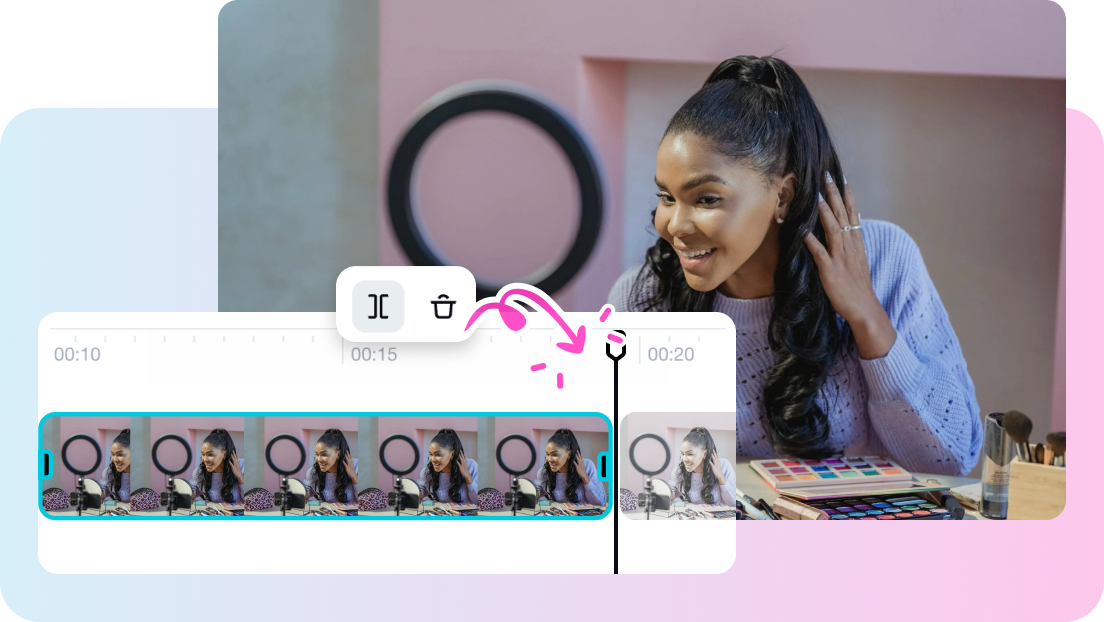
Prepping for polished honesty: Clean first, enhance second
Before you start adjusting tone and exposure, it’s important to make sure your image is technically ready. Even natural photos need a little TLC—especially if they’re taken in less-than-perfect lighting or with a phone camera.
The easiest way to prep? Use an image enhancer online like Pippit to clean up your base shot. From here, you’ll have more control over the ‘realness’ you want to emphasize.
Ready to edit like a human and not a filter factory? Here’s how Pippit makes it happen.
Keep It Real (But Still Stunning): 3 Steps to Honest Image Editing with Pippit
Ready to give your images a glow-up that feels genuine? Pippit makes authentic editing refreshingly simple, whether you’re showcasing products, people, or quiet little moments. Here’s how to do it in three easy steps.
Step 1: Upload the image that feels real
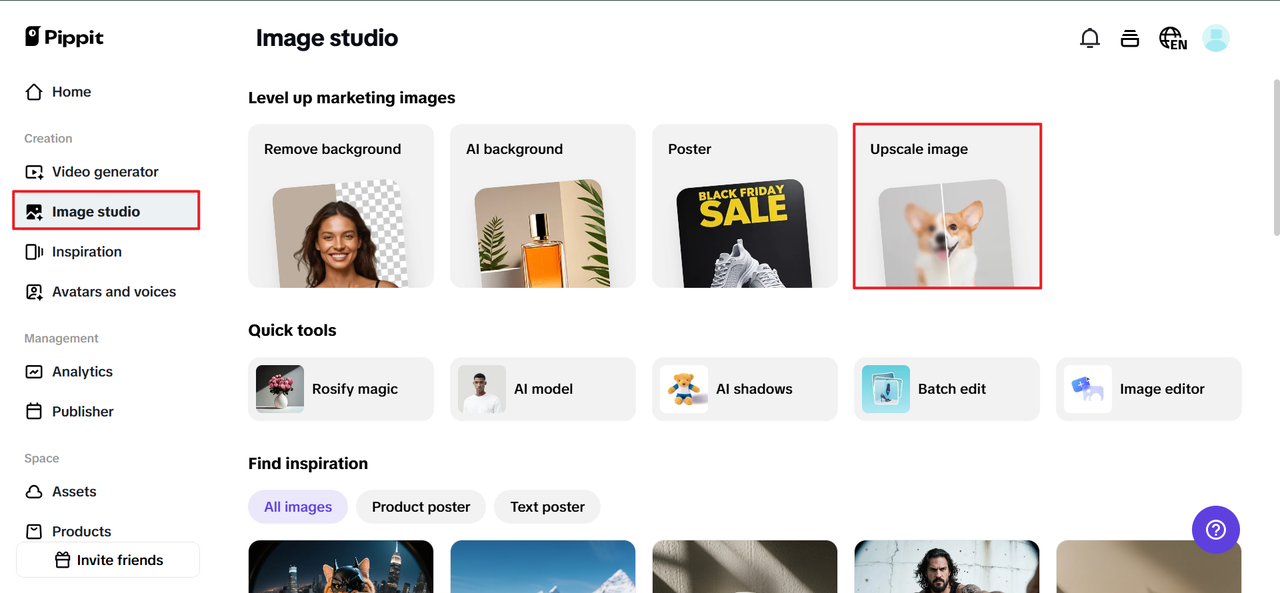
Start by signing up for the Pippit image resolution enhancer, then click ‘Image Studio’ in the left-hand menu. Choose ‘Upscale Image’ and import your photo from ‘Device.’
This might be a product shot with warm lighting, a candid moment at your workspace, or a customer using your product IRL. Choose something with emotion in it.
Step 2: Edit for truth, not trickery
Once uploaded, let’s enhance—but not mask.
-
Retouch to remove distracting blemishes, not personality.
-
Use Image Enhancer to lift shadows or soften harsh lighting from the original shot.
-
Open Effects and lightly warm or desaturate the tone for realism.
-
Add stickers, text, or shapes that feel playful or informative—like hand-written fonts, doodles, or labels.
-
Want to show the product in action? Try a collage layout with both a product-only and lifestyle version.
Keep one guiding question in mind: Would I believe this image if it popped up in someone’s camera roll?
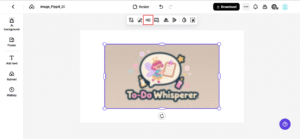
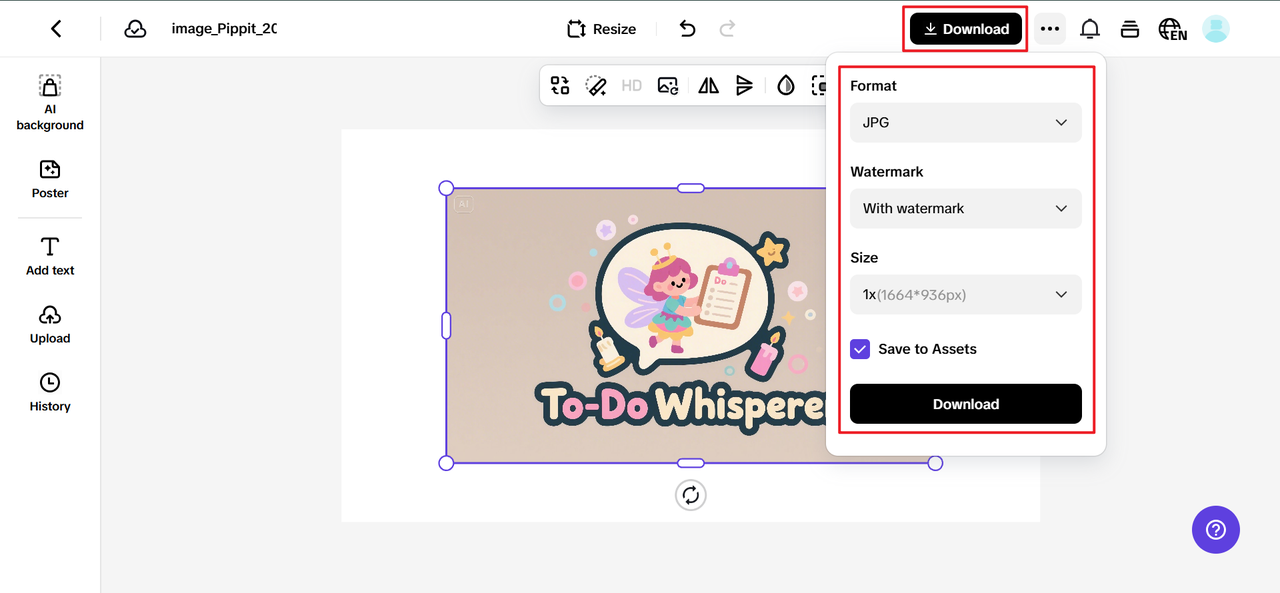
Step 3: Download and deploy with a purpose
Once your edits are in sync with your brand’s tone, hit ‘Download’ in the top right of your Pippit workspace. Choose your file size and format (JPG for social, PNG for design) and click Download again to save.
Your finished image should feel like a moment, not a message. When your audience sees it, they should feel something before they even read the caption.
Proof over perfection: What authentic imagery tells your audience
Editing honestly isn’t about leaving flaws in for the sake of it.
It’s about giving your audience a sense of security. Customers are more inclined to believe in your goods, procedures, and assurances when they can see that you’re not hiding behind a veneer.
So, what is the real purpose of a genuine edit?
Enhances engagement, boosts conversion, and establishes trust (particularly for e-commerce and services).
It strengthens your brand’s human personality. -first
Last edit: The new extraordinary is real.
Anyone may purchase presets and pretend to be flat-laying.
But to make your images seem authentic—without losing their spark—you need imagination, honesty, and the appropriate equipment.
You get that power from Pippit. It allows you to edit just enough to highlight the truth in your lifestyle photos, everyday behind-the-scenes photos, or photographs for your upcoming campaign launch.