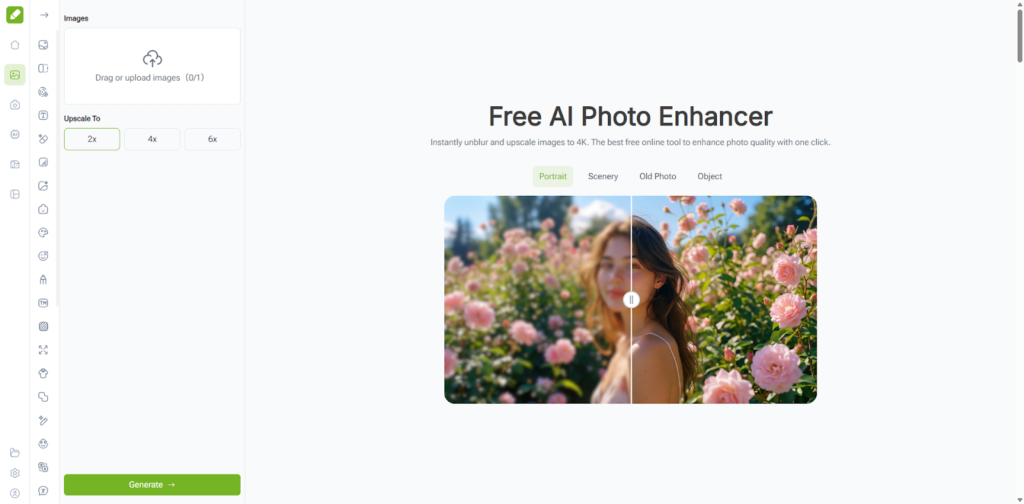
AI Photo Enhancer and ImageEditor are increasingly used not to make images look impressive, but to make them usable again. In real production environments, most images begin with limitations: uneven lighting, soft details, compression artifacts, or inconsistent exposure. The challenge is rarely about aesthetics. It is about restoring enough clarity for the image to serve its purpose.
This article examines how VisualGPT’s AI Photo Enhancer recovers practical value from imperfect images, and why ImageEditor naturally enters the workflow only after core image quality has been stabilized.
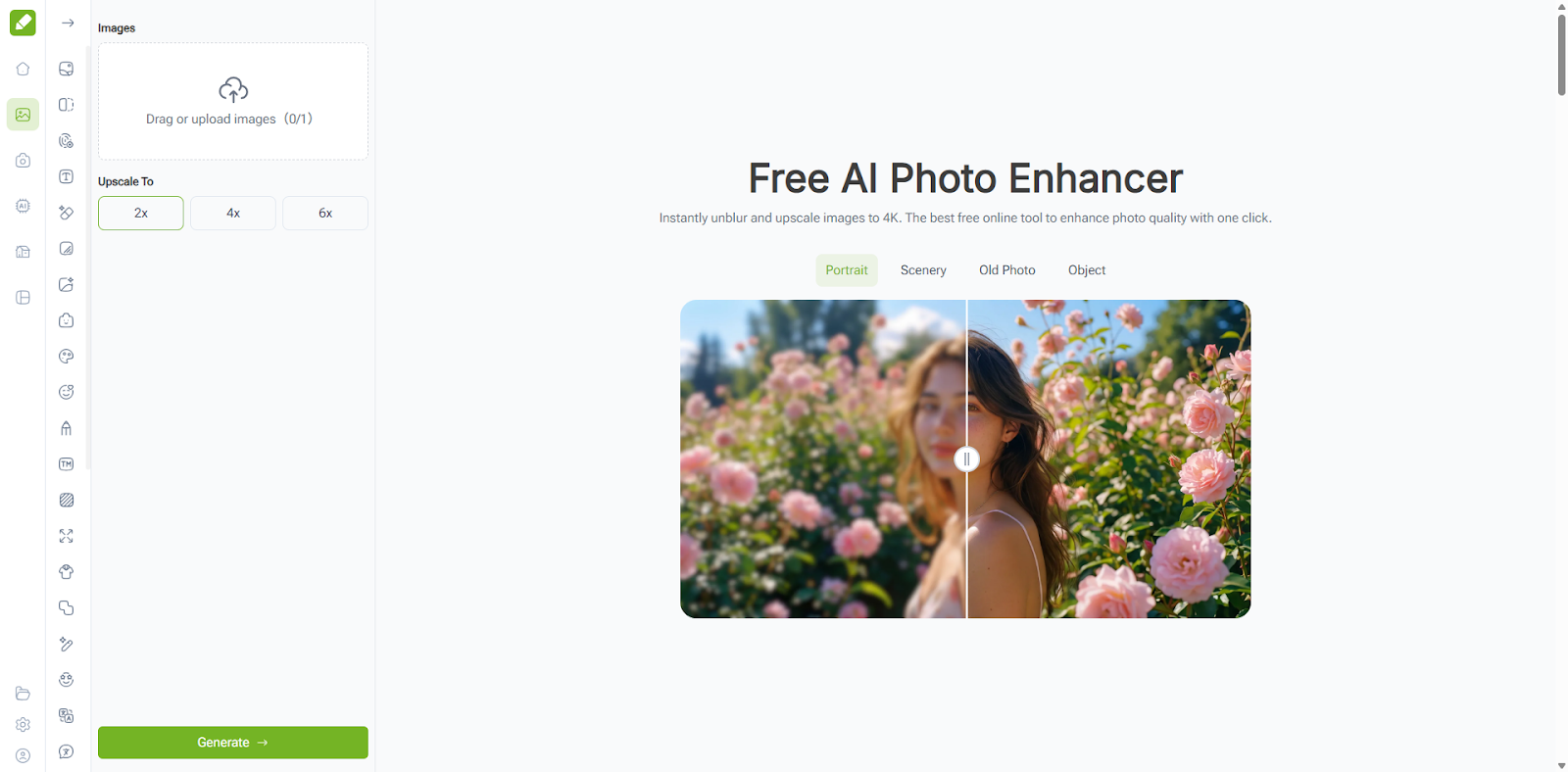 (VisualGPT AI Photo Enhancer for Recovering Value from Imperfect Images)
When “Acceptable” Images Quietly Become a Liability
Images that once passed basic quality standards often age faster than expected. Higher-resolution displays, cleaner interface design, and sharper typography raise baseline expectations without notice. As a result, older images may not appear broken, but they gradually undermine credibility.
VisualGPT’s AI Photo Enhancer addresses this problem at the structural level. Rather than applying isolated fixes, the system evaluates contrast distribution, edge clarity, tonal balance, and perceptual sharpness as a whole. This holistic assessment allows the AI to improve readability and visual coherence without introducing artificial effects.
Unlike manual enhancement tools, the process does not rely on user judgment or aggressive parameter adjustments. The AI determines where improvement supports comprehension and where restraint preserves authenticity.
 (AI Photo Enhancer – Enhanced Effect Display)
Enhancement as a Functional Decision, Not a Stylistic One
The most effective use of an AI Photo Enhancer is not decorative. It is functional. Images used in documentation, product explanations, marketing pages, or archived materials must communicate clearly before they can persuade.
VisualGPT’s enhancement logic reflects this priority. Text becomes legible without haloing. Faces gain definition without unnatural smoothing. Backgrounds stabilize without flattening depth. Each adjustment is calibrated to reduce friction for the viewer rather than maximize visual impact.
This makes the AI Photo Enhancer especially valuable for screenshots, legacy assets, educational visuals, and images that cannot be re-created or re-shot.
When Improved Clarity Reveals Secondary Problems
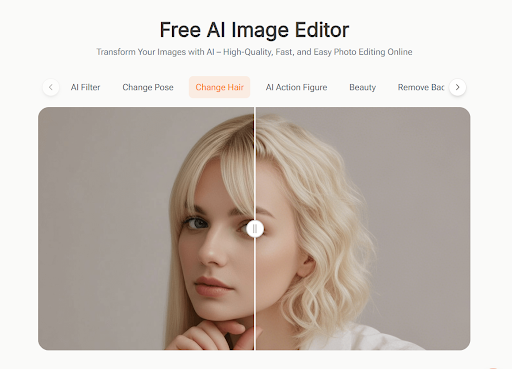
(Image Editor Improves Clarity Reveals Secondary Problems)
Enhancement often exposes issues that were previously hidden by blur or low contrast. Watermarks become more visible. Background clutter becomes distracting. Framing inconsistencies become obvious once the image is clear.
This is where ImageEditor becomes relevant, not as an alternative to enhancement, but as a follow-up step. After VisualGPT’s AI Photo Enhancer restores structural clarity, ImageEditor can address presentation-level concerns through AI-based refinement.
Common tasks at this stage include removing watermarks, cleaning backgrounds, adjusting composition, or preparing images for specific layout requirements. Because the core image quality has already been restored, these refinements do not risk degrading the enhancement itself.
Why Separating Enhancement and Refinement Matters
Attempting to solve enhancement and presentation simultaneously often leads to compromise. VisualGPT’s AI Photo Enhancer focuses on restoring clarity and balance. ImageEditor focuses on adapting the image to real-world usage.
This separation mirrors professional workflows, where image correction and layout preparation are treated as distinct steps. AI simply removes the technical barrier that once made this approach expensive and slow.
Conclusion: Restoring Usability Without Overcorrection
AI Photo Enhancer (https://visualgpt.io/ai-photo-enhancer) of VisualGPT restores value to imperfect images by prioritizing clarity, restraint, and functional improvement. It does not attempt to redesign images or impose stylistic identity. Instead, it makes existing visuals reliable again.
ImageEditor (https://imageeditor.online/) completes the process by handling the practical realities of modern publishing, ensuring enhanced images fit their intended context without altering their restored structure.
Together, they form a balanced, realistic image enhancement workflow—one that improves usability without sacrificing credibility.